TUYA Smart Door Lock: The Complete Guide to Tuya Ecosystem Smart Locks in 2026

Introduction – Problem-Solution
Are you looking to make your home smarter but overwhelmed by the complexity of integrating different smart devices? Many homeowners want the convenience of smart home automation but struggle with compatibility issues between different brands and ecosystems. TUYA smart door locks solve this by offering seamless integration with the popular Tuya Smart Life platform – allowing you to control your door lock alongside hundreds of other smart devices using a single, intuitive app.
What is TUYA Smart Door Lock?
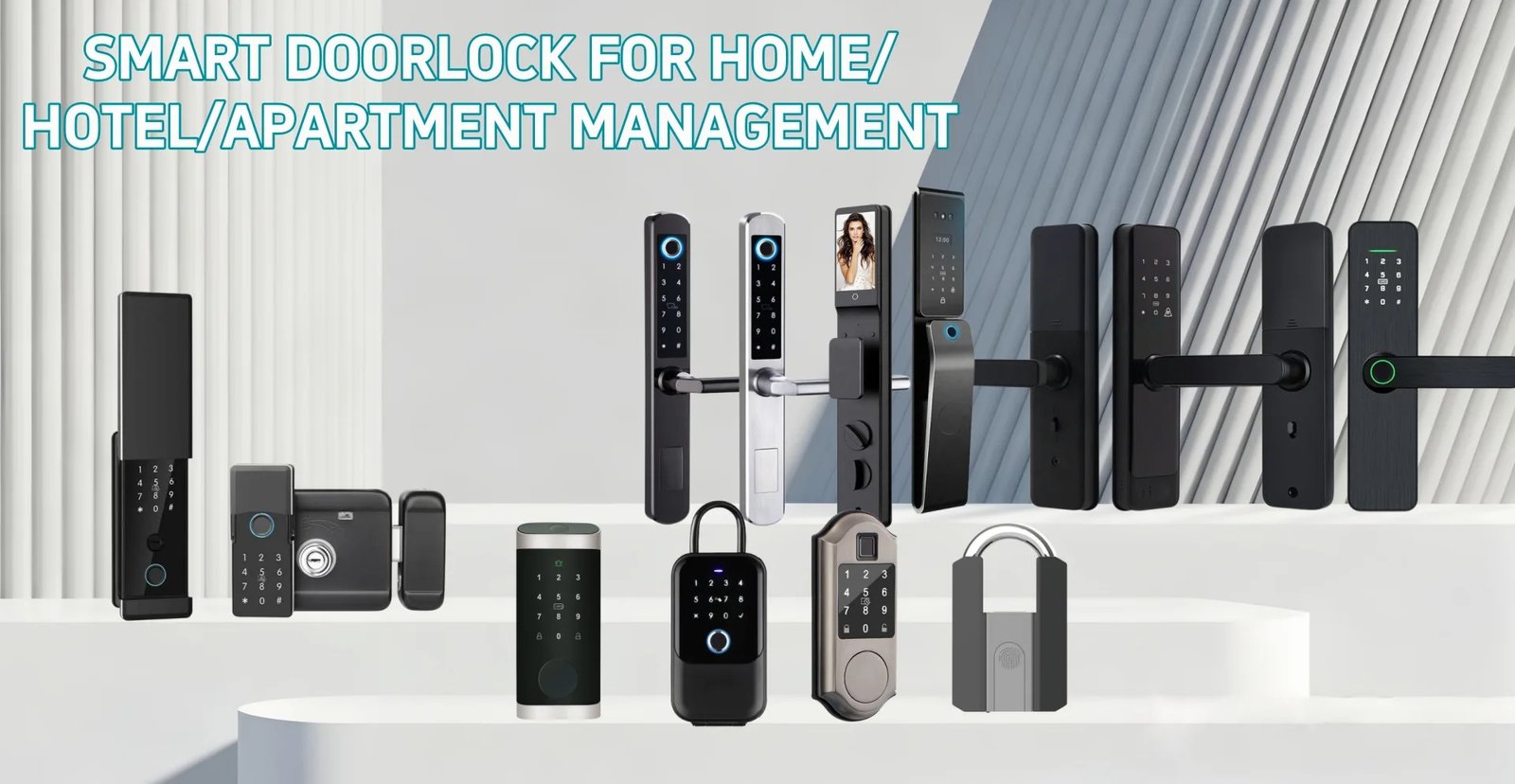
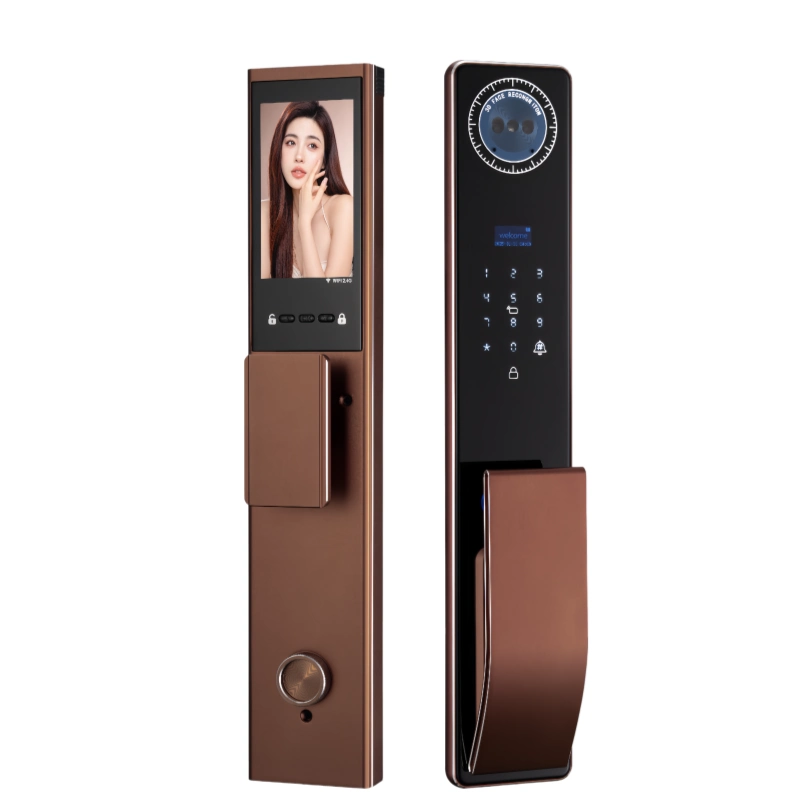
A TUYA smart door lock is an intelligent electronic lock that operates within the Tuya Smart ecosystem – one of the world’s largest IoT (Internet of Things) platforms. Tuya Technology provides the underlying technology that powers thousands of smart home brands, enabling them to communicate and work together seamlessly.
These locks connect to your home WiFi network and integrate directly with the Tuya Smart or Smart Life app, giving you complete control over your lock alongside all your other Tuya-compatible devices. The platform supports thousands of brands, meaning you can mix and match devices from different manufacturers while controlling everything from a single app.
Key Benefits of TUYA Smart Door Locks
- Universal App Control: Control your door lock alongside all other Tuya-compatible devices – lights, cameras, thermostats, sensors – all from one convenient app.
- Voice Assistant Compatibility: Works seamlessly with Amazon Alexa, Google Assistant, and Siri Shortcuts for hands-free voice control of your door lock.
- Extensive Device Integration: Connect your lock with other smart devices for automated routines – lights that turn on when you unlock, security cameras that start recording, thermostats that adjust automatically.
- Real-Time Notifications: Receive instant push notifications whenever your door is locked or unlocked, keeping you informed about all activity at your home.
- Flexible User Management: Create and manage access codes, fingerprints, and schedules for family members, guests, and service providers directly through the app.
- Remote Access: Lock and unlock your door from anywhere in the world using your smartphone, no matter where you are.
- Automatic Updates: Tuya platform regularly releases firmware updates that add new features and security improvements to your lock automatically.
- Large Ecosystem: Access thousands of compatible devices from hundreds of brands, giving you the freedom to choose the best devices for your needs without being locked into one manufacturer.
Understanding the Tuya Ecosystem
The Tuya Smart platform is a leading global IoT development platform that provides the infrastructure for smart home devices. It connects manufacturers, developers, and consumers in a unified ecosystem.
Smart Life App
The Smart Life app (available for iOS and Android) serves as the central hub for all your Tuya-compatible devices. It provides a clean, intuitive interface for controlling, automating, and monitoring your smart home. The app supports multiple users, allowing family members to have their own access levels and permissions.
Automation and Scenes
One of the most powerful features of the Tuya ecosystem is the ability to create sophisticated automation routines. You can set up triggers and actions that make your devices work together intelligently.
For example, you could create a scene called “Good Morning” that unlocks your door, turns on your bedroom lights, and starts your coffee maker – all triggered automatically at a specific time or when you unlock the door.
How to Set Up Your TUYA Smart Door Lock
Setting up a Tuya smart door lock is straightforward and typically takes about 30 minutes from start to finish.
- Download the Smart Life App: Install the Smart Life app from the Apple App Store or Google Play Store and create your account.
- Install the Lock: Follow the manufacturer instructions to install your Tuya smart door lock on your door, replacing your existing deadbolt or lock mechanism.
- Activate Pairing Mode: Put your lock into pairing mode (usually by removing batteries and reinserting them or pressing a specific button combination).
- Add Device in App: Open the Smart Life app, tap the “+” button to add a new device, and select “Door Lock” from the device categories.
- Connect to WiFi: Follow the in-app instructions to connect your lock to your home WiFi network.
- Configure Settings: Set up your master PIN code, register fingerprints for family members, and configure any other access methods you prefer.
- Test and Verify: Test all access methods thoroughly – fingerprint, PIN code, app control – to ensure everything works correctly.
- Explore Integrations: Take time to explore the Smart Life app and discover automation possibilities with your other Tuya-compatible devices.
Automation Ideas for TUYA Smart Door Locks
Security Automations
- When the door is unlocked after 10 PM, trigger a “Welcome Home” scene with lights, music, and adjusted thermostat
- When anyone unlocks the door, automatically turn on hallway and entry lights
- If the door is left unlocked for more than 5 minutes, send a reminder notification
Safety Automations
- When smoke or CO2 sensors are triggered, automatically unlock all doors for quick evacuation
- If water leak sensors detect flooding, send instant notification to all family members
Convenience Automations
- When you leave home (lock the door), automatically turn off lights, lower thermostat, and activate security system
- Create temporary access codes for guests that automatically expire at checkout time
How to Choose the Right TUYA Smart Door Lock
- Check Tuya Compatibility: Ensure the lock is specifically designed for the Tuya/Smart Life ecosystem. Look for the Tuya or Smart Life logo on the packaging.
- Verify WiFi Frequency: Most Tuya locks support 2.4GHz WiFi. Confirm your home network is compatible.
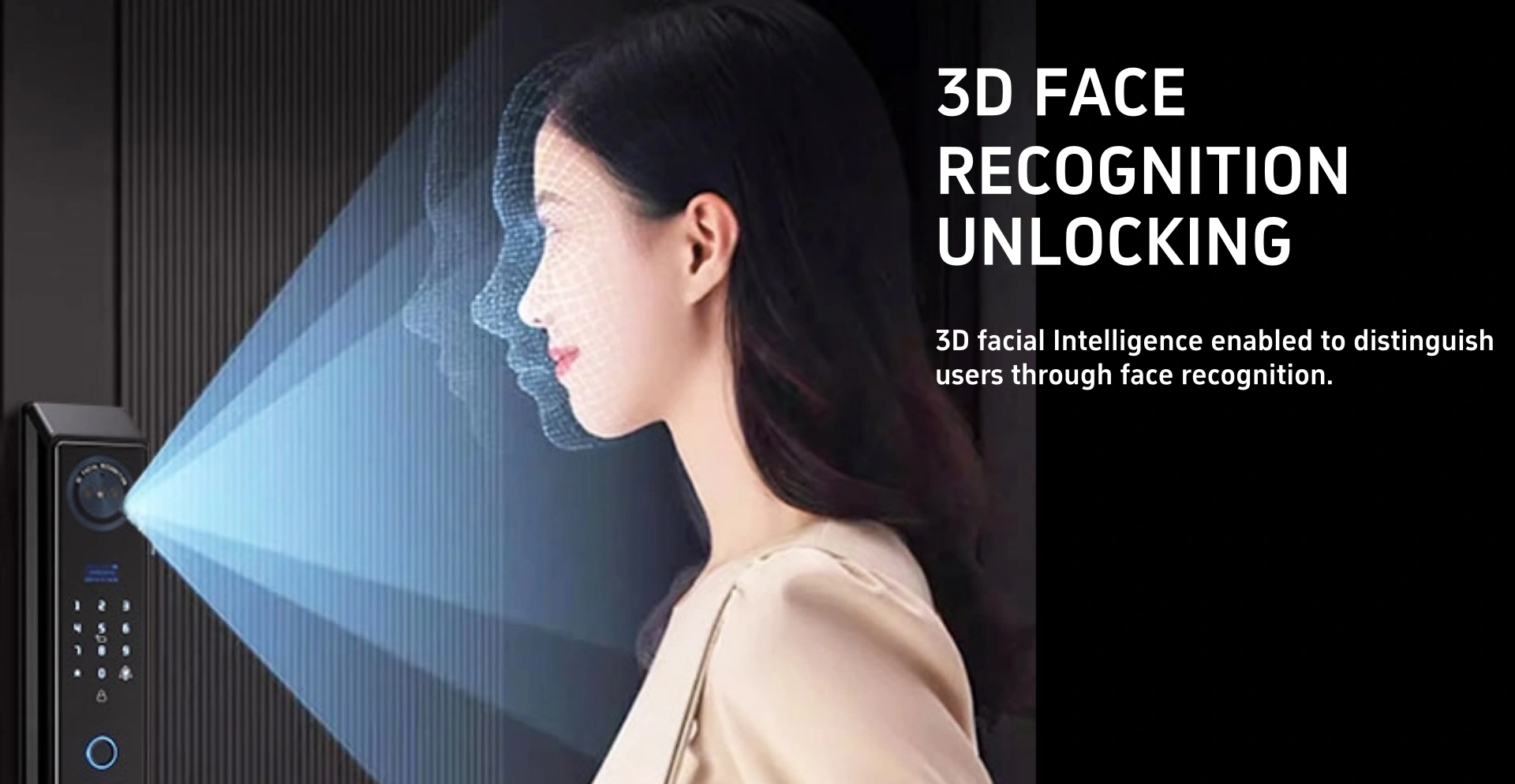
- Consider Access Methods: Choose a lock with your preferred access methods – fingerprint, PIN code, NFC card, app control, or physical key backup.
- Assess Battery Requirements: Check battery life specifications and choose a model with sufficient power for your usage patterns.
- Review Integration Options: If you already have Tuya devices, ensure the lock is compatible with your existing setup.
- Check Remote Features: Some locks require a Tuya hub for full remote functionality. Verify what’s needed for your setup.
Security Considerations
Tuya smart door locks incorporate multiple security features to protect your home and data.
All communication between your lock and the Smart Life app is encrypted using industry-standard SSL/TLS encryption. The Tuya platform employs bank-level security measures and regular security audits. Your personal data and access credentials are stored securely in the cloud with multiple layers of protection.
Physical security is equally important – look for locks with anti-pry alerts, tamper alarms, and solid construction using durable materials like zinc alloy or stainless steel.
Conclusion
TUYA smart door locks represent an excellent choice for homeowners who want to integrate their door lock into a broader smart home ecosystem. The Tuya platform’s widespread adoption means you have thousands of compatible devices to choose from, while the Smart Life app provides a unified, intuitive experience for controlling everything.
Whether you’re just starting your smart home journey or expanding an existing setup, a Tuya smart door lock offers the perfect combination of security, convenience, and ecosystem compatibility. The ability to automate your lock with other devices creates a truly intelligent home that responds to your needs automatically.
Discover our collection of TUYA-compatible smart door locks at ezlivinglocks.com – featuring seamless Smart Life integration, voice assistant compatibility, and hundreds of automation possibilities for your modern smart home.